
Integrating Security With Facility Management: 2026 Guide
Last Updated: October 23, 2026
Quick Summary
Integrating security with facility management means tying access control, video surveillance, and alarm systems into the same daily operations that run your building. Start with a facility security risk assessment, then connect existing cameras, readers, and alarms into one platform with named owners across facilities and IT.
- Run the risk assessment with a facility lead, an IT representative, and your security provider walking the property together.
- Shared access codes are the most common failure found; set a rotation schedule and log every change.
- Integrate what you own before you replace it, and phase the rollout by risk rather than by wish list.
- Budget for total cost of ownership, including installation, network upgrades, software subscriptions, training, and integration work.
- Keep the KPI list to six to eight metrics, each with an owner and a data source.
Table of Contents
- Why Integrating Security With Facility Management Matters Now
- Start With a Facility Security Risk Assessment
- Facility Security System Planning Across Physical and Digital Assets
- Bringing Cybersecurity in Facility Management Into the Plan
- A Step-by-Step Integration Roadmap for Your Team
- Facility Management Security Best Practices That Hold Up
- Measure Results With Security and Facilities KPIs
- Conclusion
- Frequently Asked Questions
Why Integrating Security With Facility Management Matters Now
Integrating security with facility management means tying access control, video surveillance, and alarm systems into the same daily operations that run your building.
The problem most guides skip: security and facilities usually report to different people, run separate budgets, and rarely share data, a split that creates blind spots.
The integrated workplace management system market was reported at $4.89 billion in 2025, with a projection of $13.09 billion by 2033.
Start With a Facility Security Risk Assessment
A facility security risk assessment is a structured review of your property's entry points, assets, and weak spots.
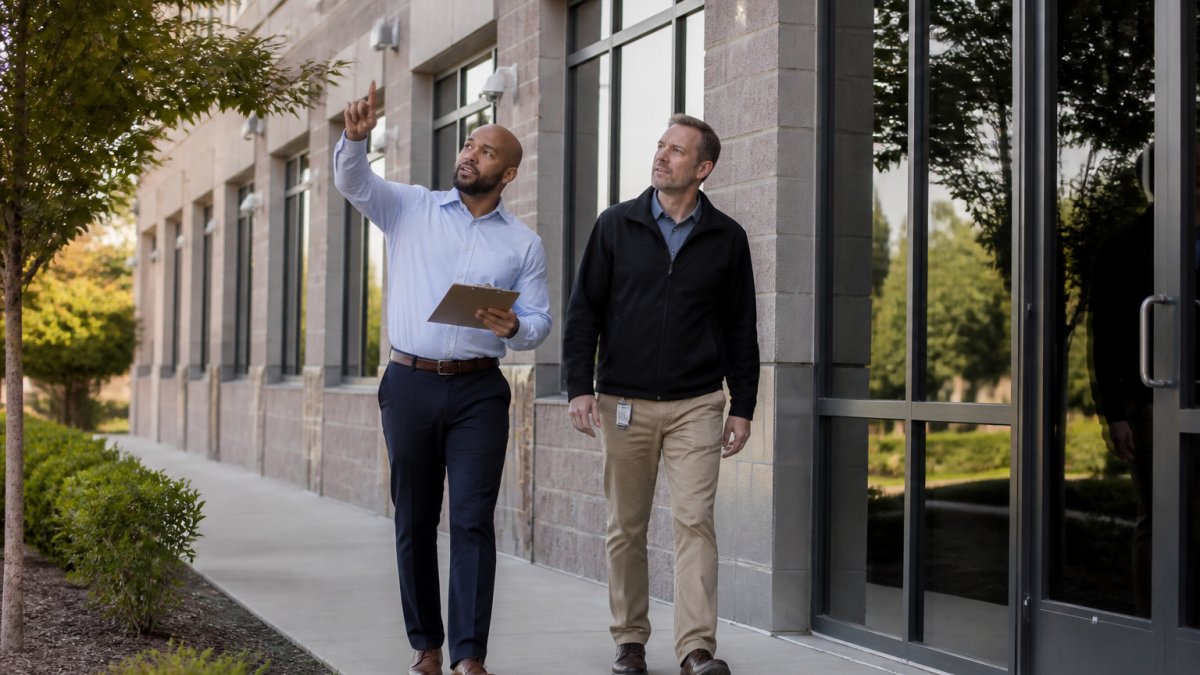
Run it with three people: a facility lead, an IT representative, and your security provider. Walk the property together, paper reviews miss what a site walk catches.
Cover these areas:
- Exterior perimeter: fences, gates, loading docks, lighting
- Entry points: doors, badge readers, reception desks, garage access
- Critical rooms: server closets, electrical rooms, mechanical spaces
Mapping Entry Points and Vulnerabilities
Vulnerability identification comes down to counting doors and testing them. List every entry point, then mark how each is controlled: badge, key, code, or nothing. Most properties assessed have at least one unlocked back door or shared code unchanged in years, a single gap that can undo an otherwise solid program.
Facility Security System Planning Across Physical and Digital Assets
Facility security system planning is the process of choosing and connecting the hardware and software that protect your building, cameras, readers, alarms, and the network they run on.
Start with a simple inventory. What do you already own? Many buildings have working cameras and access control panels that just are not connected to anything else.
Then plan for integration, not replacement. Milestone Systems notes that facility managers need centralized, multi-site security monitoring to keep visibility and control across locations, per Milestone Systems guidance.
Key planning decisions:
- Video management system: one platform for all cameras
- Access control: badge readers tied to a central database
- Alarm monitoring: who gets alerted, and when
Bringing Cybersecurity in Facility Management Into the Plan
Cybersecurity in facility management is the practice of protecting building systems, networks, and connected devices from digital attack. Every camera, badge reader, and building automation system is a potential way in.
This is where physical and digital security meet.
Facilities Dive identified AI and security threats among the trends facility operators expect to address in 2026, per Facilities Dive coverage.
Basic protections:
- Change default passwords on every connected device
- Put cameras and readers on a separate network segment
- Patch firmware on a schedule
A Step-by-Step Integration Roadmap for Your Team
Here is the sequence we use to bring physical security, IT, and facility operations together, for a single building or a multi-site portfolio. One principle: integrate what you own before you replace it.
- Form a cross-functional team. Name one facility lead, one IT lead, and one security contact, with decision authority and a shared budget line, without budget authority, integration stalls at the first disagreement.
- Complete the risk assessment. Walk the site, map entry points, and log vulnerabilities, ranking each by likelihood and impact so the roadmap has a defensible priority order.
- Inventory existing systems. List cameras, readers, panels, and network gear with model, firmware, and protocol, noting which support open standards like ONVIF or OSDP and which are locked to a single vendor.
- Set integration goals. Decide what "connected" means, one dashboard, shared alerts, or unified access logs, and write the goal as a measurable outcome, not a product name.
- Design the architecture. Choose a video management system and access control platform that talk to each other, and decide where the integration layer sits: on-premises, cloud, or hybrid.
- Phase the rollout. Start with the highest-risk zone, prove it works, then expand, with each phase closing a specific vulnerability from step 2.
- Test and train. Run a live drill, confirm alerts reach the right people, and verify access logs reconcile across systems.
- Review quarterly. Check KPIs, patch devices, and update access permissions.
How Access Control, Video, and Building Systems Actually Exchange Data
Integration is not a single cable but a set of data flows, each with its own mechanism and failure mode.
- Access control to video: When a badge is presented, the panel generates an event. The video management system receives it, typically over a network API or event stream, and tags the feed with cardholder name, door, and timestamp, so an investigator can pull video for a specific badge swipe instead of scrubbing hours of footage.
- Video to access control: Camera analytics can trigger a door to lock or an alarm to fire, powerful but risky, since a false positive can lock down a lobby. Most practitioners limit automated responses to low-consequence actions and route higher-consequence ones to a human operator.
- Alarms to everything: Intrusion panels report to a central monitoring platform that distributes alerts to video, access control, and the facility team's work order system, usually via a software connector or middleware, not a direct device-to-device link.
A common pattern is a hub-and-spoke architecture: one integration platform or physical security information management (PSIM) layer sits in the middle, and each subsystem connects to it through a documented API. Spoke-to-spoke connections multiply quickly and become unmaintainable.
Handling Legacy Systems and Compatibility Issues
Most buildings are not blank slates: expect access panels from two vendors, cameras from three, and a BMS that predates the network it runs on.
- Check protocol support first. ONVIF-compliant cameras and OSDP readers are far easier to integrate than proprietary devices. If a device only speaks a vendor-specific protocol, budget for a gateway or plan to replace it at end of life.
- Separate the integration layer from the device layer. A gateway that translates an older protocol into a modern API keeps working hardware feeding a central platform, usually cheaper than rip-and-replace and buys time for a phased refresh.
- Test in a lab, not in production. Stand up one camera and one reader on an isolated segment and confirm data flows before touching live doors. Compatibility problems surface fast in a lab and slowly, and expensively, in a live building.
Assign Ownership Across Facilities and IT
Governance decides whether integration survives year two. Write down who owns what.
| Area | Owner | Backup |
|---|---|---|
| Access permissions and badges | Facilities | IT |
| Network and device security | IT | Facilities |
| Camera health and coverage | Security provider | Facilities |
| Incident response plan | Facilities + IT | Security provider |
| Visitor access logs | Facilities | Security provider |
| Integration platform and APIs | IT | Security provider |
| Legacy device refresh plan | Facilities | IT |
Without named owners, access permissions pile up and nobody audits them. Research on safety management in outsourced facility management by C. Pilbeam and coauthors (2024) in Safety Science via ScienceDirect highlights how coordination between outsourced providers and site teams shapes safety outcomes. Ownership is not paperwork. It is the difference between a plan and a habit.
Phase the Rollout and Budget for Total Cost
Budget for total cost of ownership, not just hardware. The sticker price of cameras and readers is the smallest line; add installation, network upgrades, software subscriptions, monitoring, training, maintenance, and the integration work, API licenses, middleware, and configuration, that many teams forget. Phase spending against risk: fix the unlocked loading dock before you upgrade lobby cameras, since most teams see the fastest return by closing access gaps first, then connecting systems that already work.
Facility Management Security Best Practices That Hold Up
Facility management security best practices are the habits that keep a program working after the launch excitement fades.
- Audit access permissions every quarter
- Rotate shared codes after every tenant or staff change
- Test alarm and camera alerts monthly
Incident response deserves its own written plan: who calls whom, how you contain an incident, and how you document it.
A common mistake is treating security policies as a one-time document. Policies drift. Review them when your building, tenants, or systems change.
Measure Results With Security and Facilities KPIs
You cannot manage what you do not measure. Pick a small set of KPIs and track them monthly, and avoid metrics that look good on a dashboard but cannot be traced to a data source, an owner, or a decision.
| KPI | What It Shows | Target Direction | Data Source |
|---|---|---|---|
| Access audit completion | Permission hygiene | 100% quarterly | Access control system reports |
| Camera uptime | Surveillance coverage | Above 95% | Video management system health logs |
| Average incident response time | Team readiness | Falling | Incident reports and alarm logs |
| Unresolved vulnerabilities | Risk exposure | Zero open items | Risk assessment tracker |
| Device patch compliance | Cyber posture | 100% on schedule | IT asset management or device inventory |
| Visitor log completeness | Entry-point control | 100% | Visitor management system |
| False alarm rate | System tuning and operator load | Falling | Alarm monitoring platform |
| Time to resolve vulnerabilities | Remediation speed | Falling | Work order or ticketing system |
Instrumenting the Metrics Without Adding Headcount
Most of these numbers already exist, the work is pulling them into one place:
- Access audit completion comes from a scheduled report in the access control system; if the system cannot produce one, that is itself a finding, you are running permissions you cannot see.
- Camera uptime is a health check in the video management platform. Set an alert when a camera drops offline for more than a few minutes, and route it to the security provider's ticketing queue.
- Incident response time runs from the first alarm or report to the first documented action; define start and stop points in writing so the number means the same thing every month.
A simple monthly one-page report, KPI, target, actual, owner, and one action item, is more useful than a real-time dashboard nobody reviews.
Tying KPIs to Governance and Budget
Metrics only change behavior when attached to a decision. Three habits make that happen:
- Assign each KPI an owner. The owner explains a miss and proposes a fix, this is where the ownership table from the roadmap pays off, since the same names should appear on the KPI report.
- Review monthly, decide quarterly. Monthly reviews catch drift; quarterly reviews decide budget. If camera uptime is below target for two quarters, the next budget cycle should fund replacement or maintenance, not another camera.
- Connect KPIs to the risk assessment. Each unresolved vulnerability should map to a KPI and a remediation date. When the list is empty, the program is working; when it grows, the roadmap needs re-prioritizing.
This is where integrating security with facility management pays off: shared data turns security from a cost line into an operations tool, so you see patterns, fix root causes, and prove value with numbers that trace back to systems ownership already funded.
Conclusion
The hardest part of integrating security with facility management is not the technology. It is getting facilities, IT, and your security provider to work from one plan with named owners and shared numbers.
That is where Sarasota Security Patrol comes in. Since 1962, we have built customized security solutions that fit each client's culture and mission.
Call Now to start with a risk assessment and build a security program that works with your facility team, not around it.
Frequently Asked Questions
What should a facility security plan include?
A complete facility security plan covers physical access control, video surveillance, visitor management, cybersecurity for building systems, and incident response procedures. It should name who owns each element, how systems communicate, and how often the plan gets reviewed. Start with a facility security risk assessment to identify entry points and vulnerabilities, then build facility security system planning around those findings. Review the plan at least annually and after any security incident or major building change.
How can facility managers address cybersecurity risks in building systems?
Building automation systems, access control panels, and cameras all connect to networks, which makes them potential entry points for cyber threats. Facility managers should work with IT teams to segment building systems onto separate networks, change default passwords, apply firmware updates, and limit remote access. Cybersecurity in facility management also means knowing which vendors have network access and requiring them to follow your security policies. A shared asset inventory between facilities and IT is the practical starting point.
How should security teams and facility management teams coordinate?
Coordination works best when both teams share one plan, one incident response process, and one set of reporting metrics. Set up regular cross-functional meetings, document who handles what during an incident, and give security staff input on maintenance schedules and building changes that affect access. Facility management security best practices include joint walkthroughs, shared dashboards for real-time monitoring, and a single point of contact for after-hours incidents so nothing falls between the two teams.
How often should a facility security plan be reviewed?
Review your facility security plan at least once a year, and sooner after any security incident, tenant change, renovation, or new system installation. Each review should recheck the risk assessment, confirm access permissions are current, test alarms and cameras, and verify that IT and facilities still agree on ownership. Many organizations schedule quarterly tabletop exercises for incident response and a full plan update annually, which keeps the document useful instead of shelved.


